
Clarity
PPM Implementation

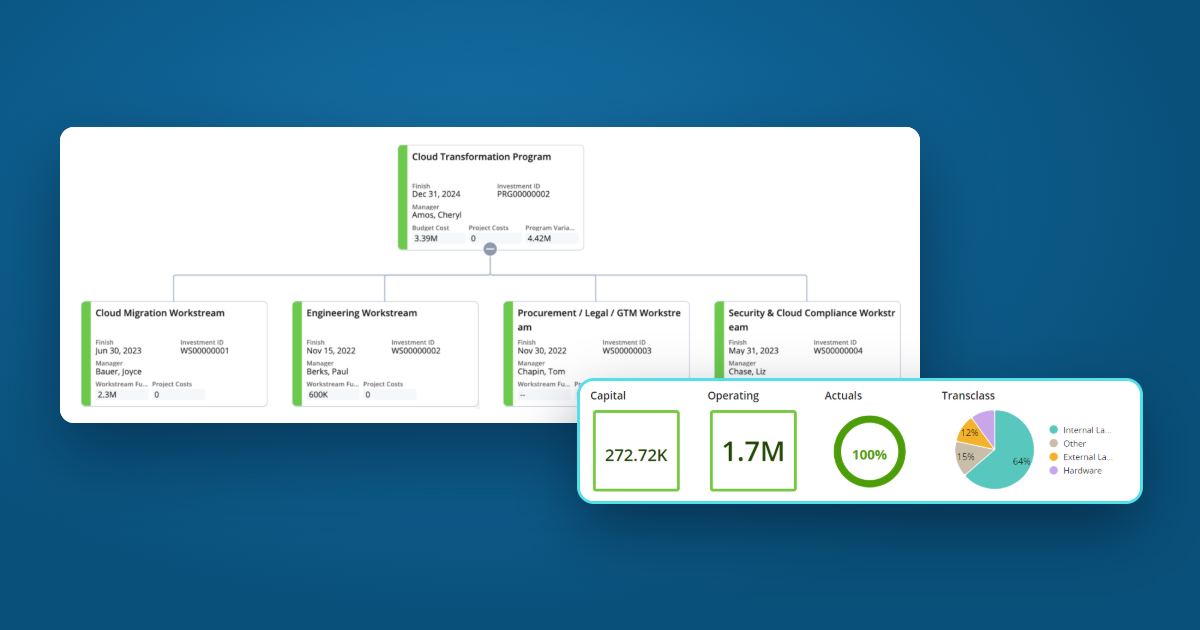
Clarity 16.5.0 became generally available on November 9, 2026, for both on-premise and SaaS customers. The short version: AI tools can now connect to Clarity more securely and work faster, everyday editing gets undo and redo, and investment managers get new ways to fund and track work. It's also the release where Jaspersoft reporting is gone for every customer, so any reports still built on it need a new home.
If you're planning an upgrade, the second half of this post covers what to plan for.
| Release | Available | Support ends |
|---|---|---|
| 16.5.0 | November 9, 2026 | November 30, 2029 |
| 16.4.3 | August 10, 2026 | November 30, 2028 |
| 16.4.2 | May 11, 2026 | November 30, 2028 |
| 16.4.1 | February 9, 2026 | November 30, 2028 |
| 16.4.0 | November 10, 2025 | November 30, 2028 |
| 16.3.x | November 30, 2027 | |
| 16.2.x | November 30, 2026 |
If you're still on 16.2, support ends November 30, 2026, so now is the time to plan your upgrade.
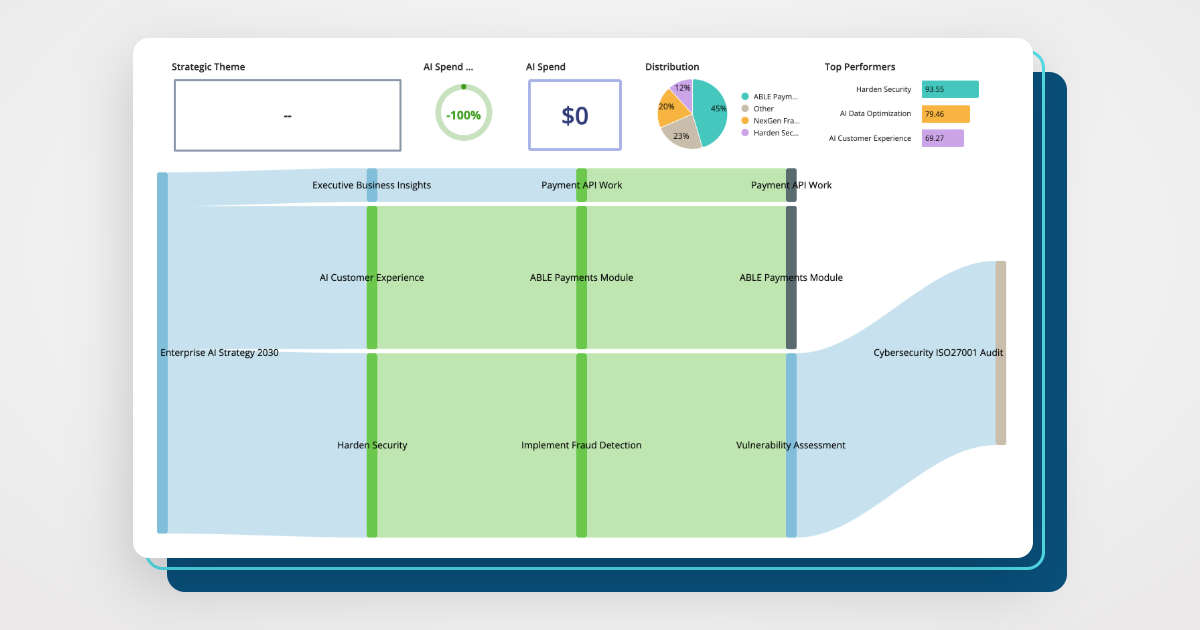
AI comes up in a lot of our Clarity conversations right now, so this is the part of 16.5 we expect most teams to ask about first.
Clarity's MCP server is what lets AI applications such as Claude and Cursor read and update your Clarity data. In 16.5, those applications can connect with OAuth. Users sign in the way they normally do and approve the connection, so nobody has to create, paste, or guard an API key. The AI application works within that user's existing access rights and never sees their password.
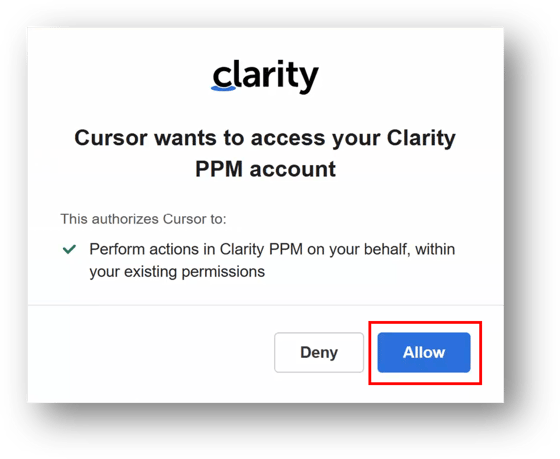
Source: Clarity 16.5 release notes
The MCP server also responds faster, and administrators can now control exactly what AI applications are allowed to create, update, or delete.
Until now, every edit in a grid, board, or timeline saved immediately, with no way back. In 16.5 you can undo and redo your recent changes, and a paste or bulk edit counts as one step. If you update the status of 30 projects and realize the filter caught the wrong ones, one click puts them back.
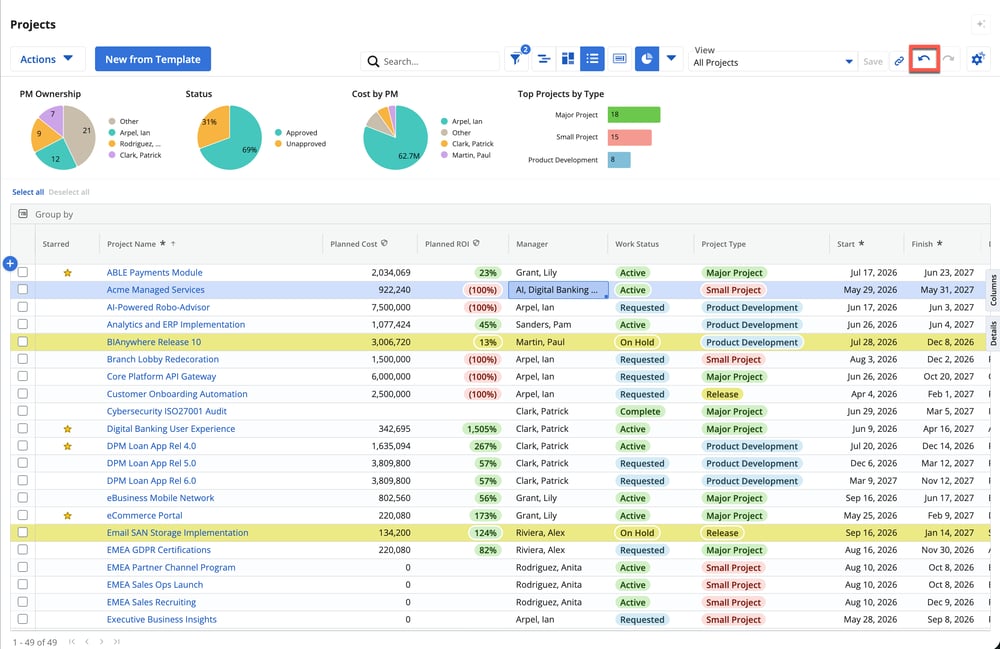
Source: Clarity 16.5 release notes
Administrators also get a Change History page (beta) that shows updates to a record and can roll it back to an earlier revision. It's available for custom master objects that an administrator turns it on for.
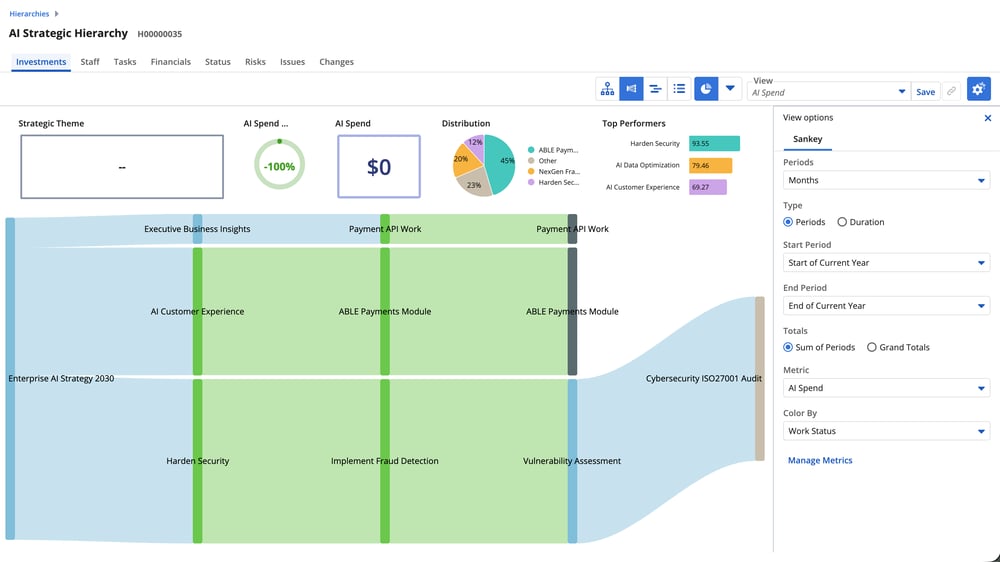
Source: Clarity 16.5 release notes
Project managers can now assign several resources, roles, or teams to one task or many tasks in a single action, which was one of the last reasons some teams still went back to the Classic interface. Tasks and assignments can be viewed and edited together in one tree, and task types can be set automatically by WBS level.
Business rules can now run when a record is created, including from a template or when an idea is converted to a project, so access and default values are right from the start.
Processes are easier to start, too. A project manager who needs to start a mitigation process on a dozen risks after a review can select them in the project's Risks grid and start it for all of them in one step, instead of a dozen separate starts. Administrators choose which processes for sub-objects like risks and issues are available.
The Reporting workspace keeps growing. Highlights in 16.5 include opening a report from a project's Actions menu already filtered to that project, drill-down reports from table rows, distinct counts, symbols in conditional formatting, and scheduled delivery to SFTP servers for on-premise customers.
Jaspersoft (Clarity Advanced Reporting) reached end of support on September 30, 2026. SaaS customers lost it in September, and with 16.5 it's no longer available to on-premise customers either. That means Jaspersoft reports no longer run from Reports and Jobs or the Advanced Reporting console, and Classic object actions and Modern UX channels that point to Jaspersoft reports stop working.
Broadcom's support for Jaspersoft is now limited to basic help on an "as is" basis, and issues without a workaround can be deemed unresolvable. If your reports still depend on it, the risk grows with every server or browser update.
If your team still relies on Jaspersoft reports, here's where to start:
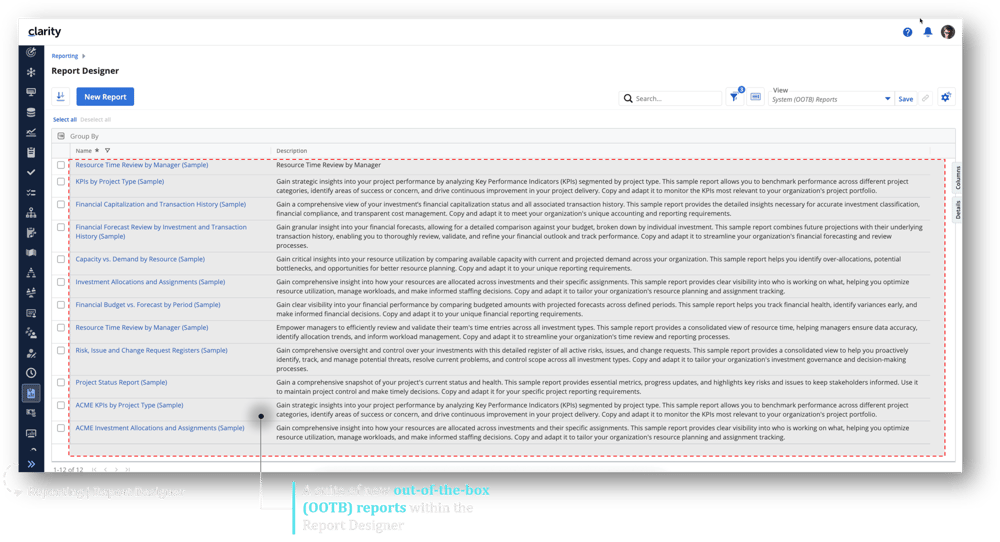
Source: Clarity 16.4 release notes
Not sure where your reporting stands? A Solution Health Check is a good place to start.
16.5 builds on the four 16.4 releases that came before it. These were the biggest changes:
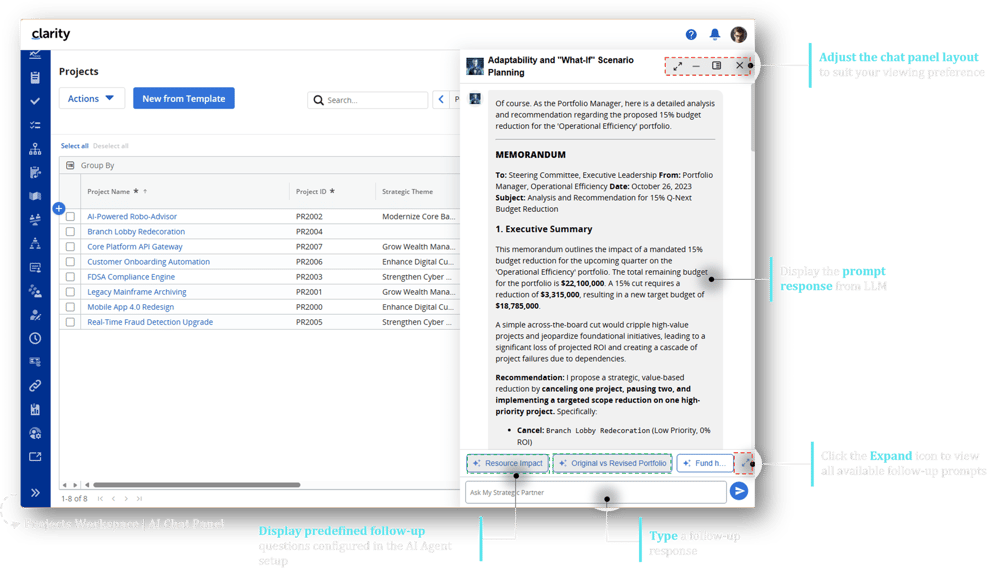
Source: Clarity 16.4 release notes
SaaS customers are upgraded automatically after each release, while on-premise upgrades take more planning, especially if you're more than one release behind. We've worked with organizations that went years between upgrades, and the bigger the gap, the more an upgrade starts to look like a new implementation.
However you upgrade, have your administrator review Broadcom's 16.5 Change Impact and Upgrade page before go-live. 16.5 changes how single sign-on assigns security groups, along with a few other settings that need attention after the upgrade.
Our team's Clarity experience dates back to 2004, through every major release. We plan and run upgrades, rebuild reports in Report Designer, set up AI agents and the MCP server with the right access controls, and support Clarity day to day through managed services. If you're evaluating Clarity, see how it works in Clarity 101 or learn more on our Clarity page.
Clarity 16.5.0, released November 9, 2026, for on-premise and SaaS customers. Support for 16.5.0 runs through November 30, 2029.
Clarity's Reporting workspace, built around Report Designer. It includes rebuilt versions of the most popular Jaspersoft reports, and the Data Warehouse and OData service are the supported ways to get Clarity data into outside BI tools. Jaspersoft reached end of support on September 30, 2026.
Clarity includes Vaia, an AI assistant that runs AI agents to summarize and analyze your Clarity data. Vaia runs on your organization's own AI provider, such as Google Gemini, OpenAI, Microsoft Azure AI, or Anthropic, and administrators decide which Clarity data can be sent to it.
Talk with a Clarity expert about your upgrade path, your reports, and what's worth turning on first.