
Artificial Intelligence
ValueOps
Clarity

Artificial intelligence is showing up everywhere in enterprise software right now, and nearly every vendor has added some form of it in the past year or two. For PPM teams, that raises a fair question: is this actually useful, or is it just a feature checkbox?
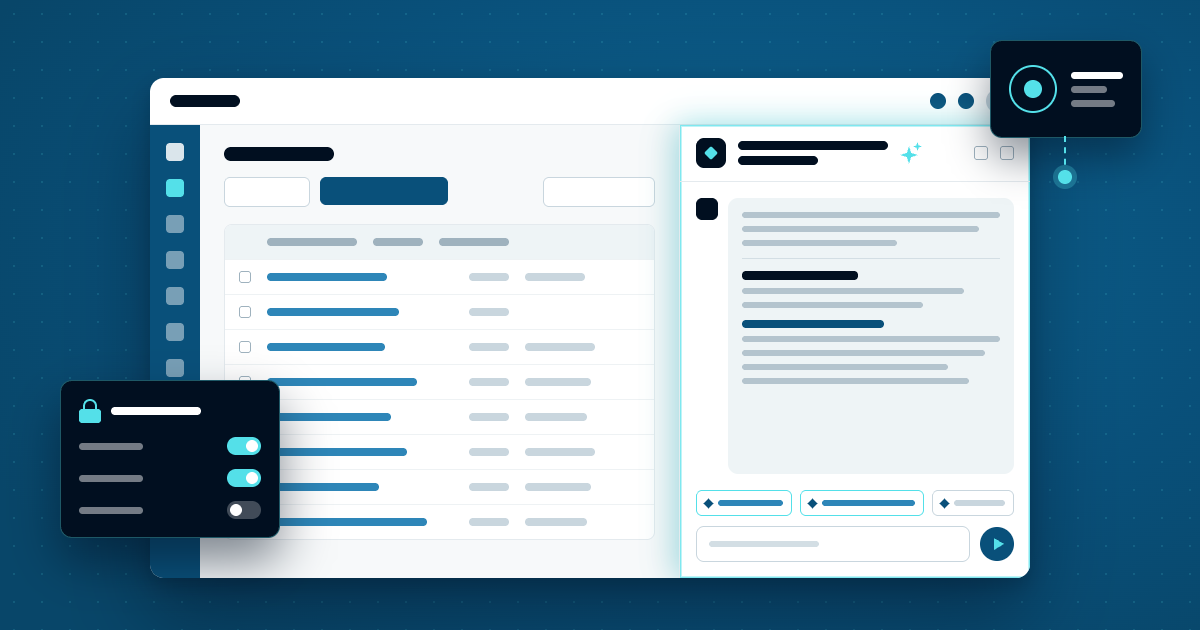
Planview Anvi is Planview's AI for portfolio and project teams. It's built into Planview's products, and it works from your own portfolio data to flag risks, summarize status, model scenarios, and answer questions in plain language. Planview launched Anvi in October 2025, and since then it has added agents, a full workspace called Anvi Home, and a way for other AI tools to connect to it.
Here's what Anvi does, how teams use it, and how to roll it out well.
Anvi isn't a separate tool you add to your tech stack. It's embedded directly in Planview's products, which matters a lot in practice.
Generic AI tools can be helpful for drafting and ideation, but they don't understand your portfolio. They don't know your strategic objectives, resource constraints, cross-project dependencies, or your organization's delivery history.
Anvi does. It runs on Planview's Outcome Intelligence Graph, a model of your portfolio that connects each decision to the resources behind it and the results it produces. It draws on native Planview data and more than 60 connectors to other systems. When you ask Anvi a question, the answer comes from your organization's own context rather than a generic response.
Anvi covers a wide range of portfolio management work. These are the areas where it tends to add value first:
Anvi shows up in a few different ways, and the first two are the simplest place to start:
Anvi works across Planview's products, including Planview Portfolios, AdaptiveWork, PPM Pro, AgilePlace, ProjectPlace, and Viz. Planview reported more than 60% adoption of Anvi on AdaptiveWork within three months of launch. Planview adds to Anvi in regular monthly releases, so if you're planning around a specific capability, check it against the product you run.
One concern we hear from organizations is that adding a new AI capability will disrupt or duplicate what they already have in place. Anvi is designed to avoid that.
It's built to complement your existing AI tools and enterprise systems, and the MCP server means those tools can work with Anvi rather than around it. Your data is never used to train generative AI models. Planview's infrastructure is audited to SOC 2 Type II, ISO 27001, and ISO 27701, with regional data residency and GDPR compliance. Organizations that would rather not use AI features at all can ask Planview to turn them off.
Anvi reads your data, but it doesn't automatically know your conventions. Planview's own adoption team makes the point that AI is a capability you build rather than a feature you switch on. In one example, Anvi returned correct numbers for a portfolio health metric that turned out to be filled in on only 2% of projects, and without that context the answer could easily have been read as the full picture. A few things make the difference:
PPM teams are being asked to do more with less, portfolios are getting more complex, and prioritization decisions that made sense six months ago may not hold today. Leadership expects current visibility, not a status report that was accurate three days ago.
Anvi doesn't solve every challenge in portfolio management, but it addresses some of the most persistent ones: too much data with too little signal, too much time spent on reporting instead of analysis, and too many risks that surface too late to change course.
For organizations already on Planview, Anvi is worth understanding now because it builds on data you already have. For organizations evaluating Planview, it's a meaningful part of the decision, and it's worth seeing with your own use cases rather than in a generic demo.
Virelli sells and implements Planview's products, and our team is already working with Planview customers on Anvi, from enablement in Planview Portfolios to showing how it works alongside investment and capacity planning. We can help you:
Anvi works across Planview's products, including Planview Portfolios, AdaptiveWork, PPM Pro, AgilePlace, ProjectPlace, and Viz. Portfolios has the broadest set of capabilities, including scenario planning and governance checks. Since Planview adds to Anvi monthly, check what's available in the product you run before planning around a feature.
No. Planview states that customer data is never used to train generative AI models, and that it doesn't build or fine-tune foundation models with customer data. Its infrastructure is audited to SOC 2 Type II, ISO 27001, and ISO 27701, and organizations can ask Planview to turn AI features off.
Anvi is licensed as a subscription that includes a pool of Anvi AI Units, which are used as people ask questions, agents run, and in-app features refresh. Because usage drives what you need, it helps to plan who will use Anvi and which agents will run on a schedule before you buy.
Yes. Planview Copilot was renamed Planview Anvi in October 2025, and Anvi has grown well beyond the original assistant.
Want to see Anvi with your own portfolio data? Our Planview team can show you what Anvi does in the product you run and help you plan a rollout that people will trust.